
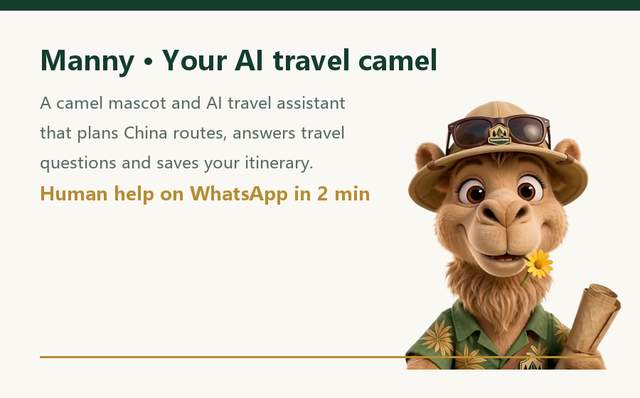
Short answer: Manny is a camel mascot and AI travel assistant from Yuwuyou Travel. It helps you plan China routes, answer travel questions and save an itinerary. It is a web app, not an App Store download — open the full link with your sharecode, ask a question, refine the plan, save it, then tap WhatsApp when you want a real person to confirm the booking.
Who is Manny?
Manny is our camel mascot and AI travel assistant — a friendly guide you can chat with to plan a trip to China. Ask about routes, how many days you need, budgets, visas, trains, payments or what to photograph, and Manny answers in plain English. It can sketch a day-by-day route and let you save it on your device.
Manny is an AI assistant, not a human guide or travel agent. When it is time to confirm prices, availability or a booking, a real person from Yuwuyou Travel takes over on WhatsApp — usually within 2 minutes during our service window.
Start in three steps
Step 1 — Ask one clear question
Open the full Manny link and type a simple request in the chat box. A specific question gets a better answer than a vague one.
- Good: "Plan a 7-day Silk Road route for two travellers."
- Better: "Plan a 7-day Silk Road route from Lanzhou to Dunhuang for two travellers, mid-budget, no shopping stops."
Step 2 — Refine the plan
Treat Manny like a planning partner. Add follow-up questions to reshape the itinerary until it fits.
- "Make it 6 days instead of 7."
- "Add Gannan and remove the extra desert day."
- "What should I pack for the Silk Road in October?"
Step 3 — Save and hand off
Save the itinerary on your device, then tap the WhatsApp button when you want a real person to check dates, prices and availability. A real person replies within 2 minutes during our service window with a free day-by-day draft and an itemised quote. Manny never confirms a booking — the human team does.
Install Manny on your phone
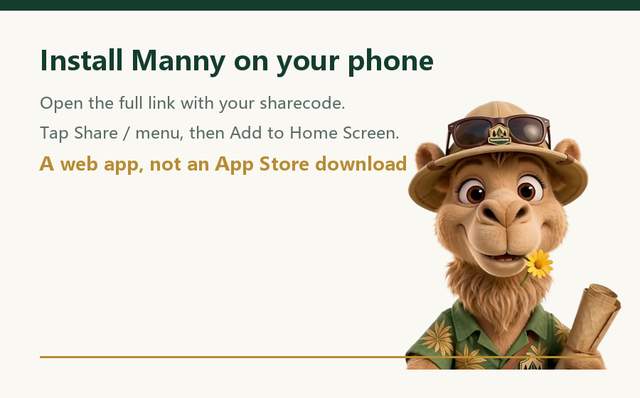
Manny is a web app (PWA), not an App Store download. Use the full link containing your sharecode — removing it can stop the app from loading.
- iPhone / Safari: open the full link, tap Share, then Add to Home Screen. Use the new icon next time.
- Android / Chrome: open the full link, tap the three-dot menu, then Add to Home Screen or Install app.
- WeChat: tap the top-right menu and choose Open in Browser first, then follow the Safari or Android steps.
- Desktop: open the full link in Chrome or Edge and use the install icon in the address bar.
Use Manny again and again
- Tap the home-screen icon to reopen Manny. Saved plans stay with Manny on this device.
- Share the full link with a travel companion — keep the sharecode in the URL.
- Use Manny for follow-ups before, during and after planning: "make it 6 days", "add Sanya", "what should I pack?"
- Cross-device sync of saved plans is not yet guaranteed, so keep the full link on the device you use.
Quick questions to try
- Plan a 7-day Silk Road route for me
- How many days do I need in Gannan?
- What does a private China tour cost?
- Is the Silk Road safe for solo travellers?
- How do I check a licensed China travel agency?
- When is the best time to visit Sanya?
Good to know
- Always use the full link containing the sharecode.
- Manny is a mascot and an AI assistant, not a human guide or travel agent.
- There is no App Store download — Add to Home Screen is the intended install method.
- A real person replies on WhatsApp within 2 minutes during our service window.
- No usage numbers are claimed here; Manny is a planning assistant, not a substitute for a confirmed booking.